Inkeys3
Inkeys3 is the biggest upgrade Inkeys has ever had. We redesigned the main toolbar and built a new drawing engine, so your ink keeps up with your pen and every action feels lighter. Screen annotation, PPT slideshows and the whiteboard are all still here, and they work better than ever.
Ink that keeps up with you
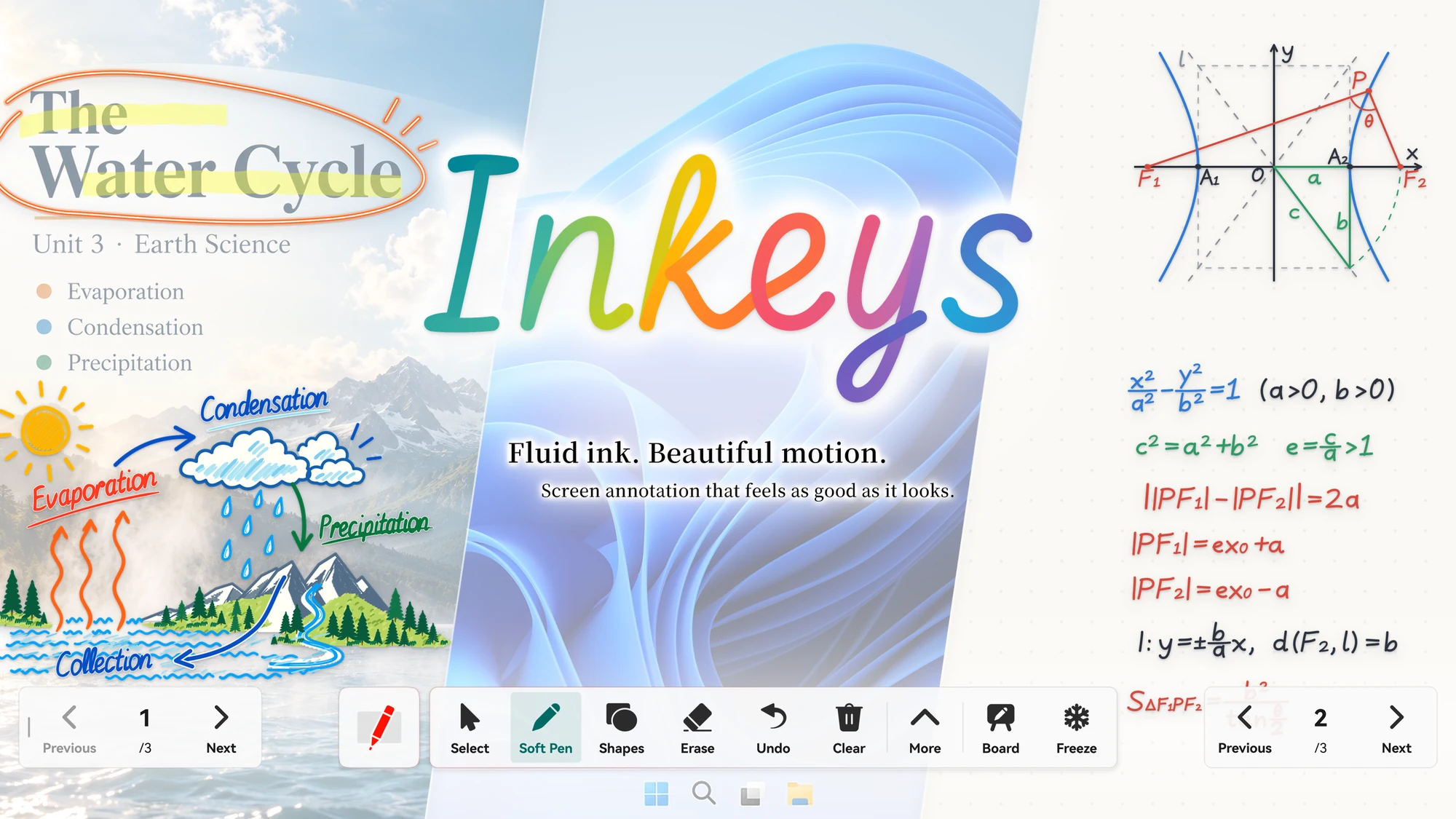
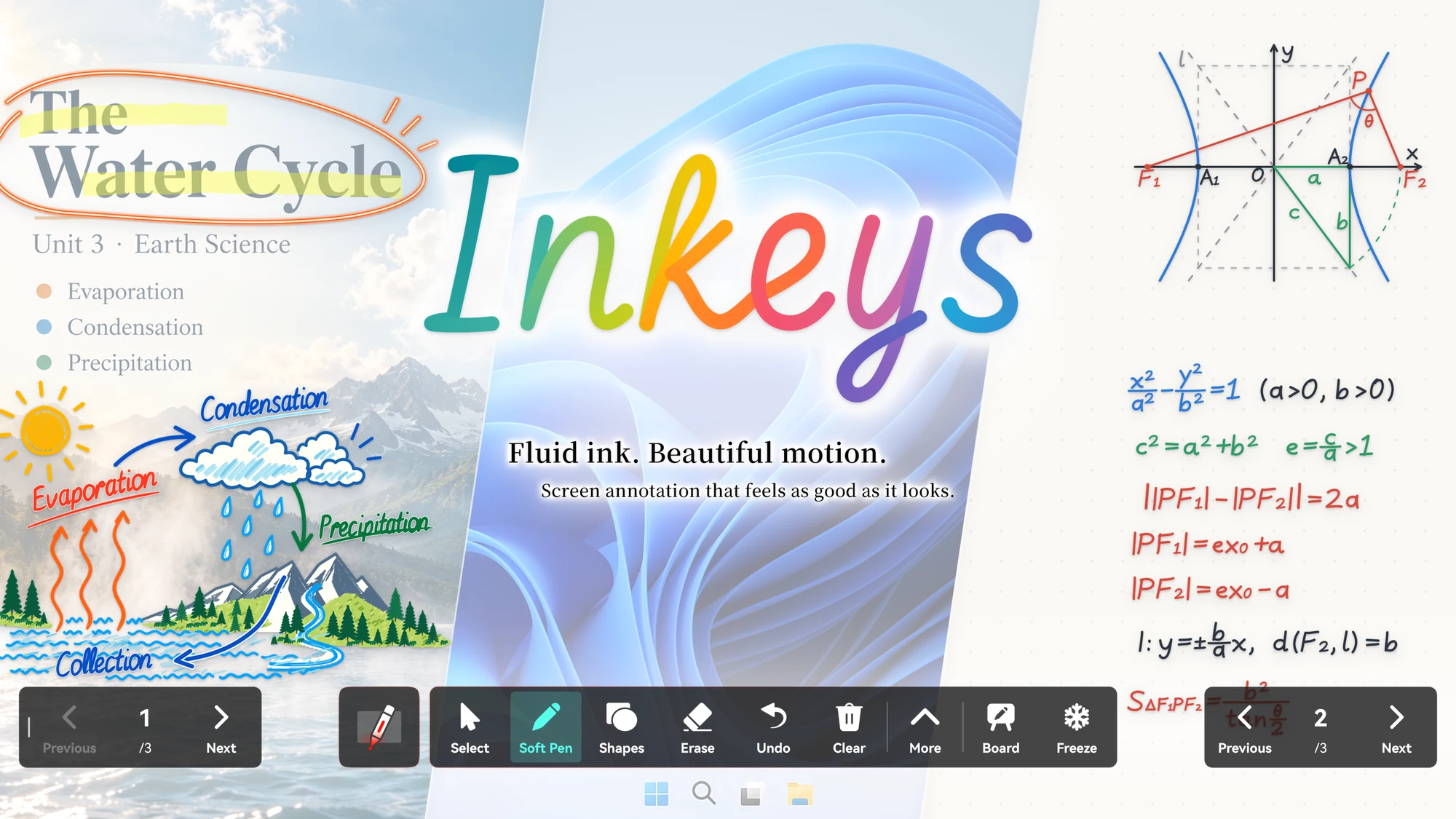
The new drawing engine, powered by C++ and Direct3D, keeps quick sketches unbroken and gives careful writing natural tapered strokes. Smoothing steadies shaky lines, and with a pressure-sensitive pen your strokes vary naturally in width. The Hard Pen is crisp and clean, the Soft Pen adds expressive taper, the Highlighter picks out key points, and the laser pointer fades away on its own. Add a wide range of shapes and smart drawing, and you are covered from quick circles to careful diagrams.
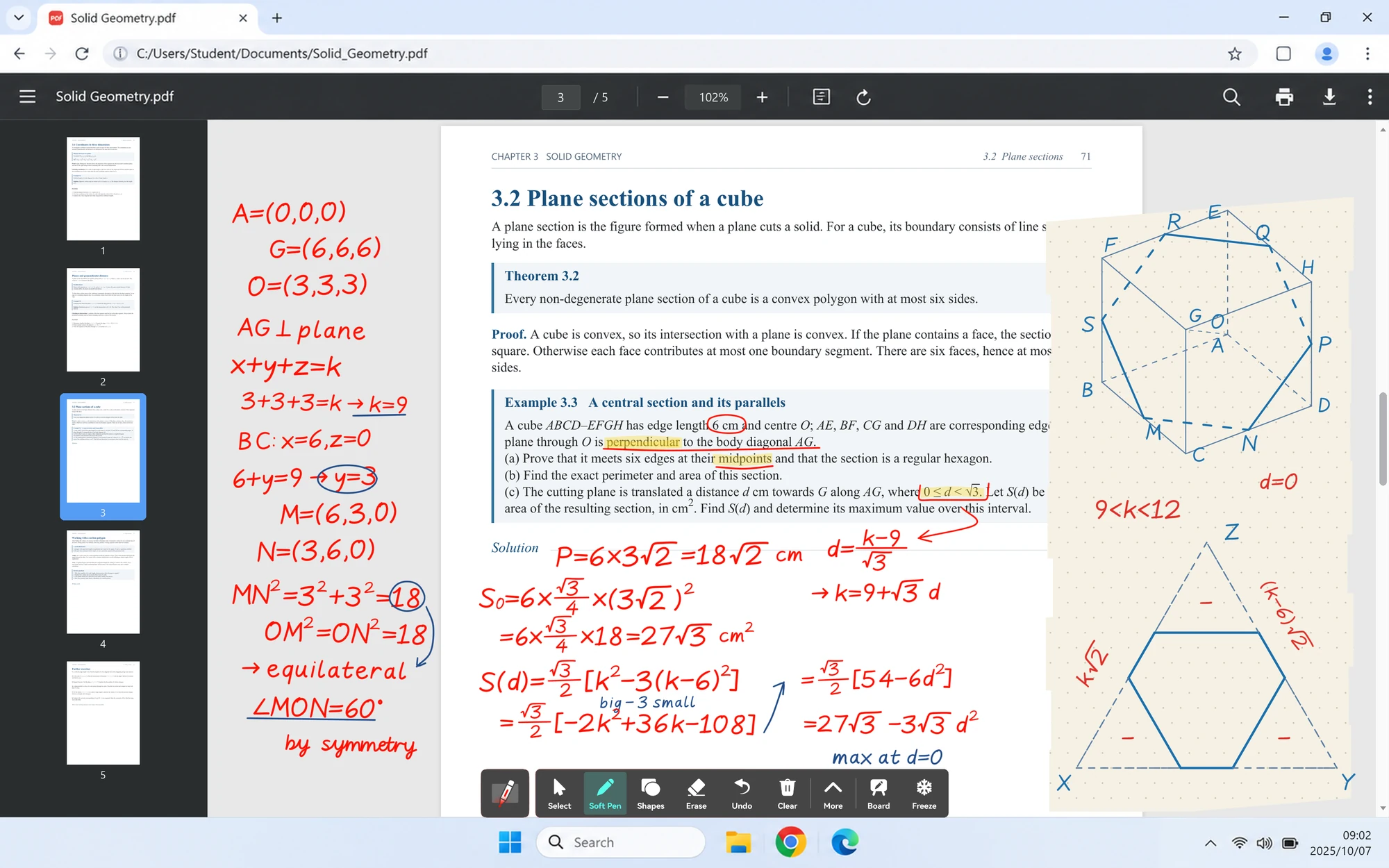
A redesigned toolbar and settings
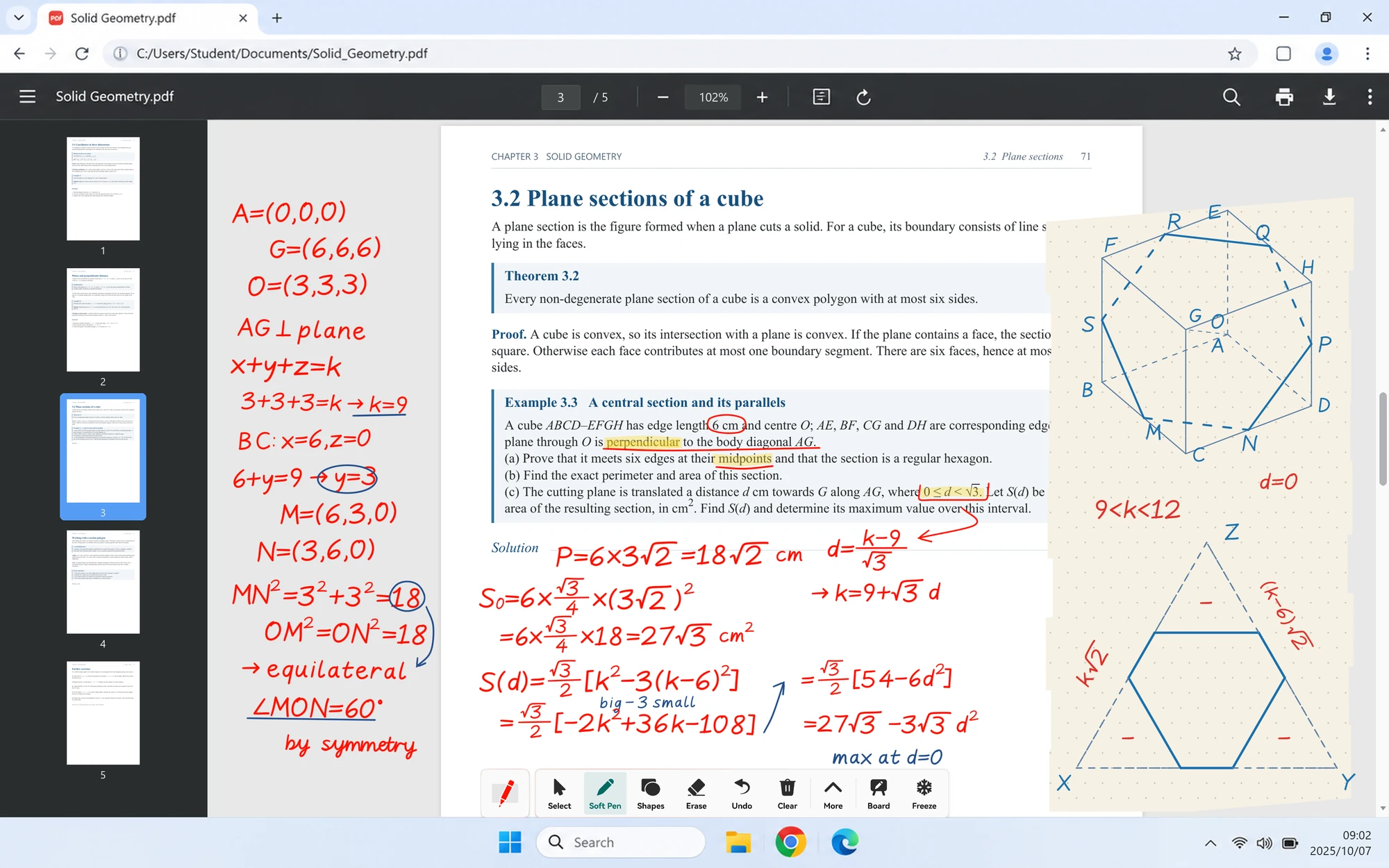
The main toolbar springs back when pressed, and its lighting follows your pointer. Float it anywhere on the screen or dock it at the bottom, and adjust its size, light or dark look and opacity to suit you. Settings have been redesigned too: clean and easy to find your way around, now in 20 languages that switch instantly.
Easier every day
On a touch display, you can erase with your palm without switching tools. SuperTop keeps the toolbar on top, so other apps can't cover it. The whiteboard gives you an infinite canvas and multiple pages, with a choice of background colors and dot or grid patterns. During a slideshow, Inkeys follows both PowerPoint and WPS automatically, and the page buttons fade when idle so they stay off your slides.
Mouse, touch, screen pen and pen tablet each get a writing feel that suits them, so Inkeys is comfortable on anything from a laptop to a classroom touch display.
System requirements
Inkeys3 runs on Windows 7 SP1 or later, on 32-bit, 64-bit and ARM64 PCs. On Windows 8 and later it works right away; on Windows 7 you need to install the KB2670838 update first. See Windows 7 compatibility.