Skip to content

Inkeys

Fluid ink. Beautiful motion.Screen annotation that feels as good as it looks.

From your screen to the classroom, write anywhere.

At your desk, in a meeting room or in front of a class, Inkeys keeps up.

Screen demos

Capture every idea,right on your screen.

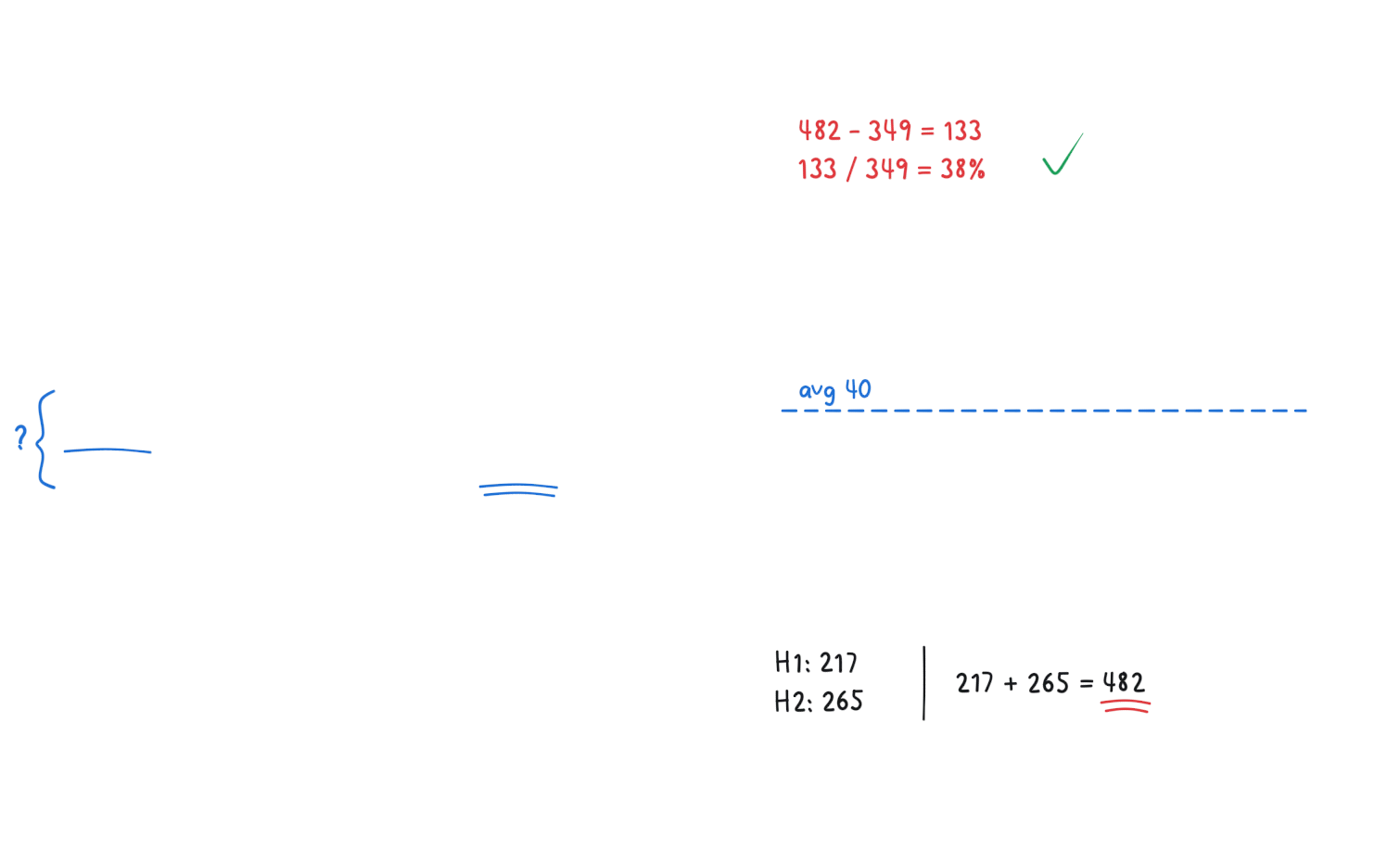
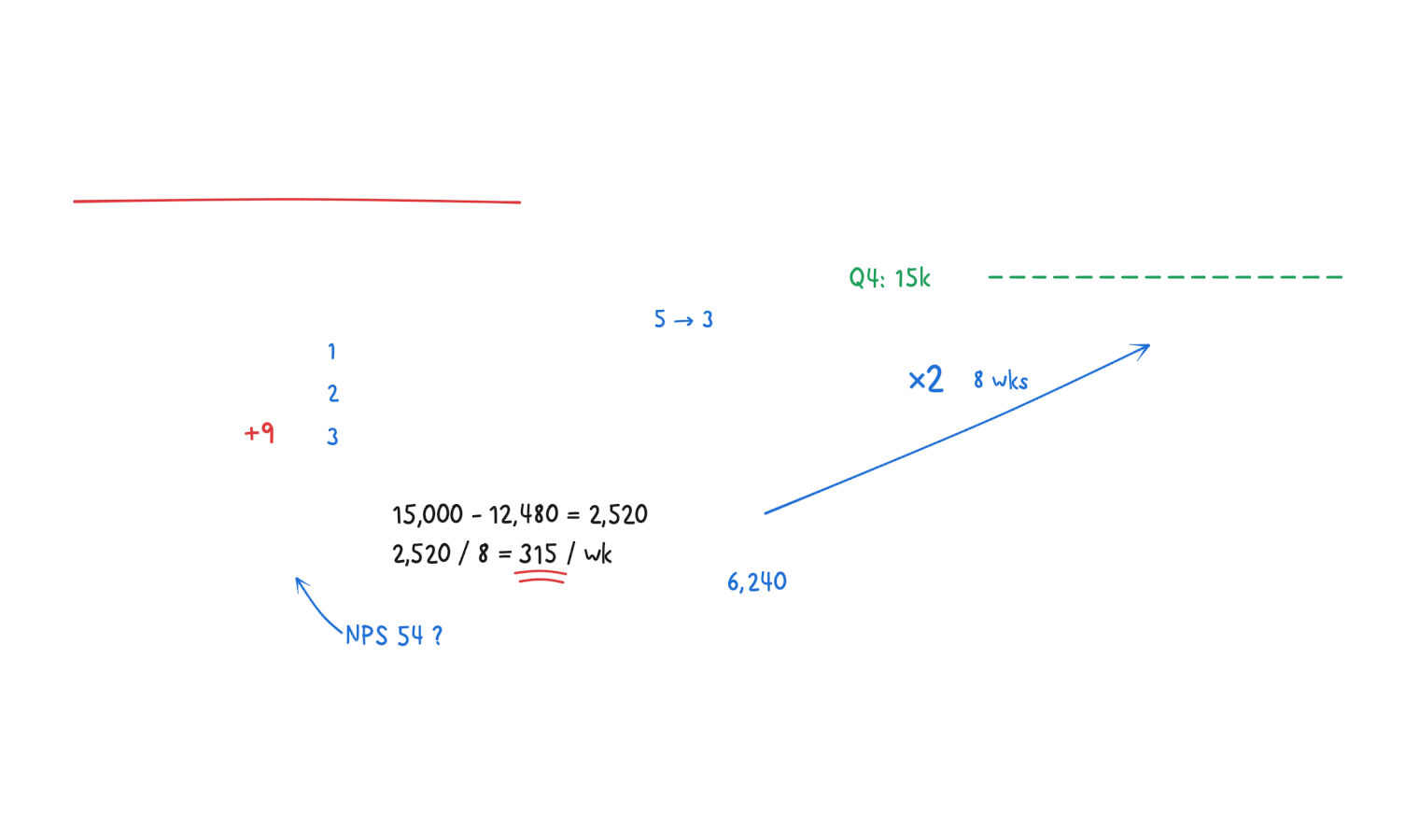
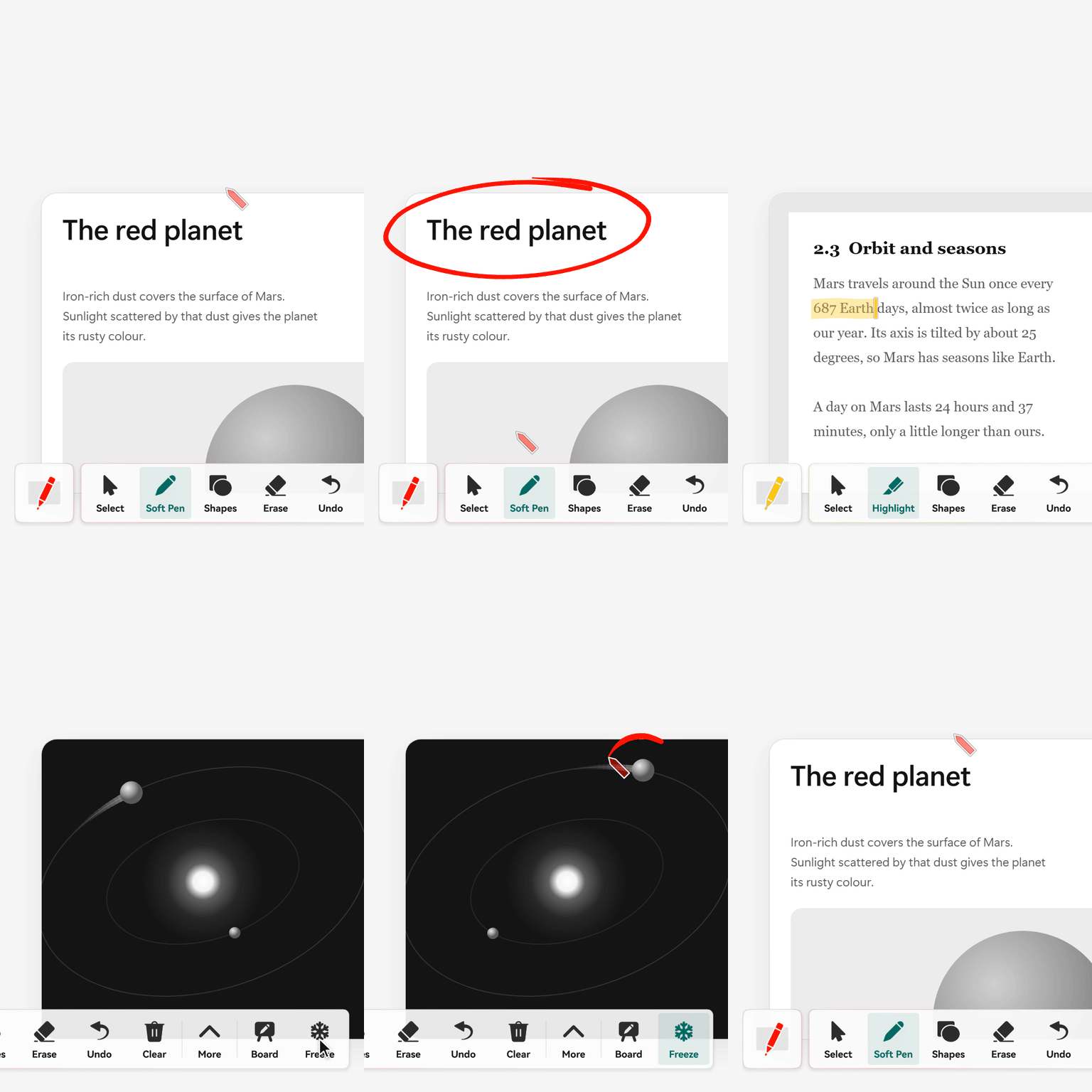
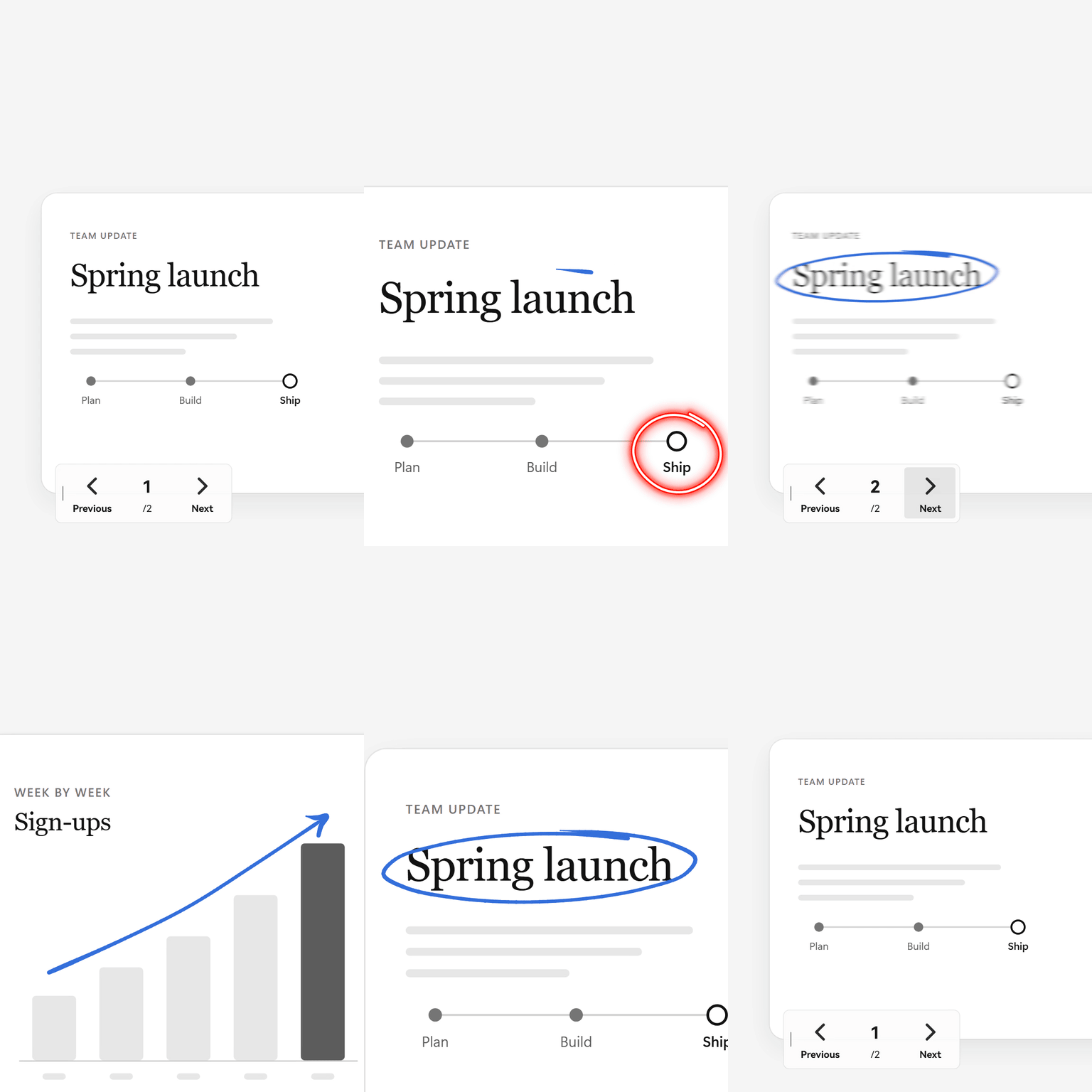
From PDFs and Word documents to web pages, circle and mark up as you go, with strokes that taper naturally. Need to pause what’s on screen? Press Freeze and the background stops at once, so you can explain with the highlighter and the laser pointer. Turn off Freeze and switch back to Select: your ink stays in place while you use the app underneath.

Meetings and talks

Annotate as you present,and make your point clearer.

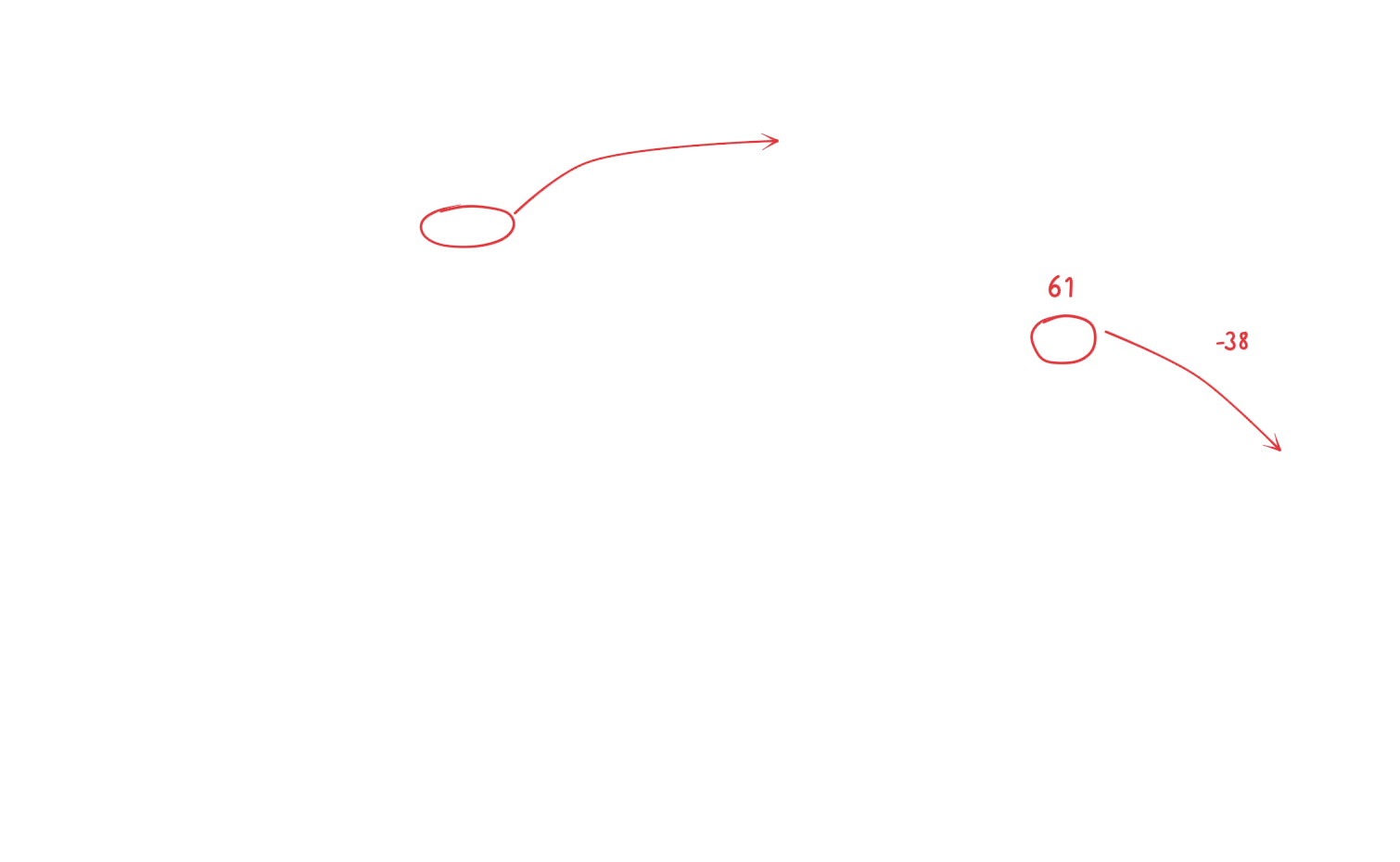
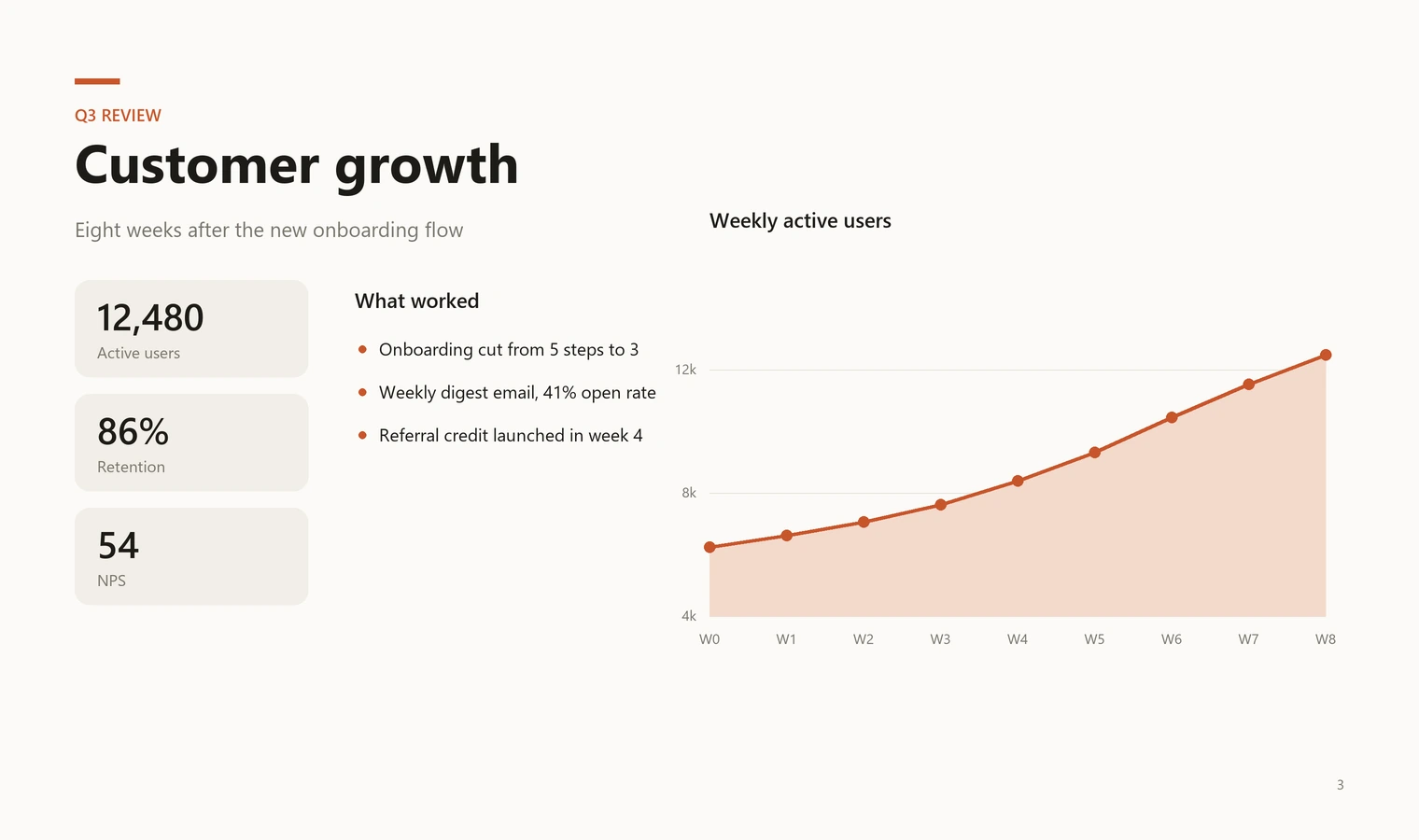
Write straight on your slides during a slideshow. Move to the next slide and the ink switches with it; go back and your earlier notes are still there. Use the page buttons on the bottom bar or on either side of the screen to turn pages while writing. They fade when idle to stay out of the way.

Classroom and whiteboard

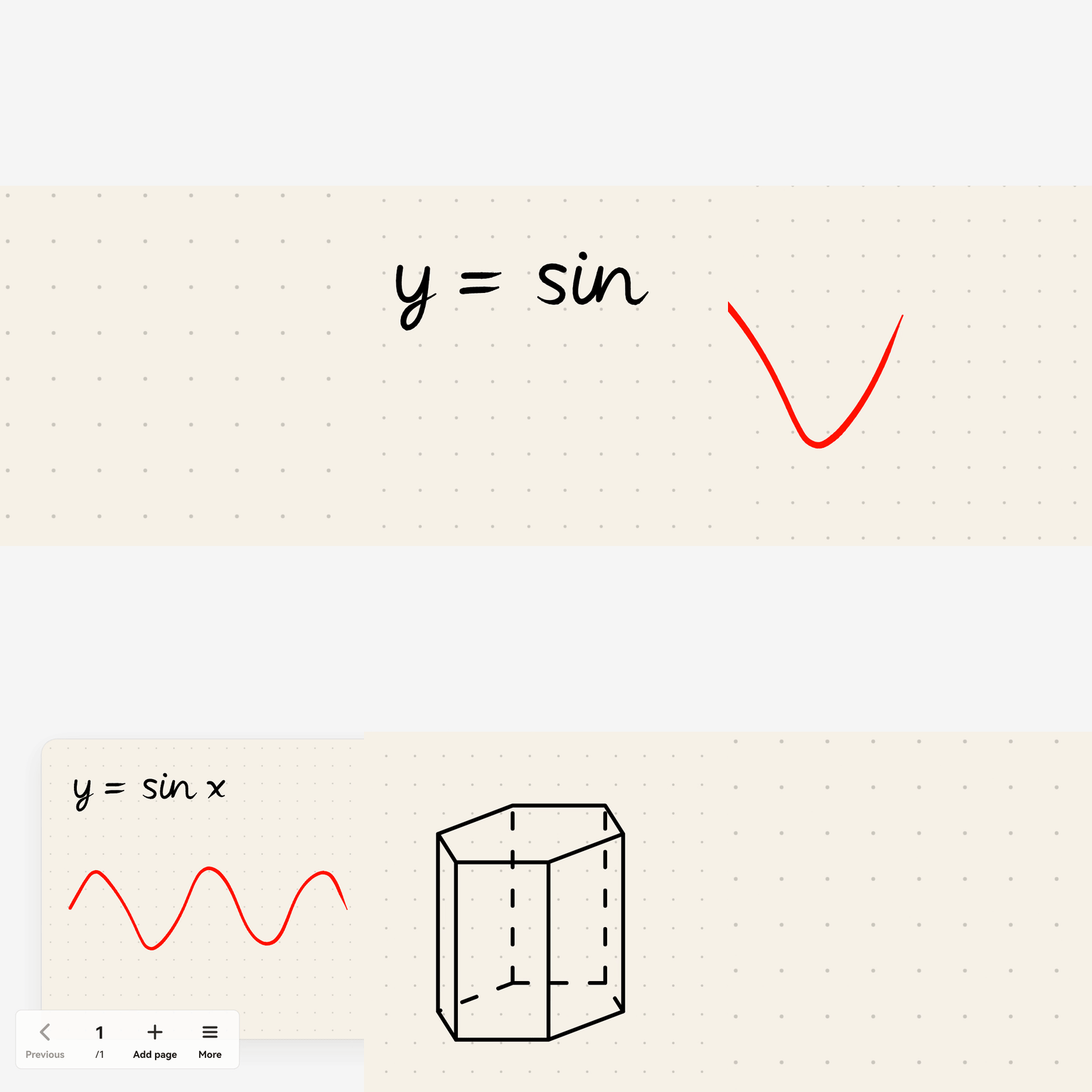
Notes, step-by-step working and examples,all on one whiteboard.

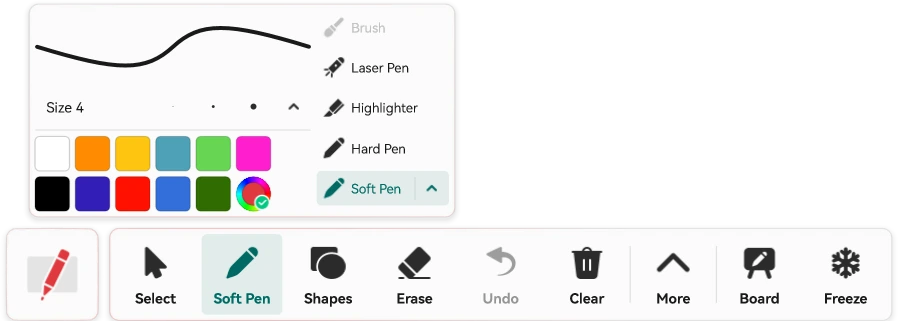
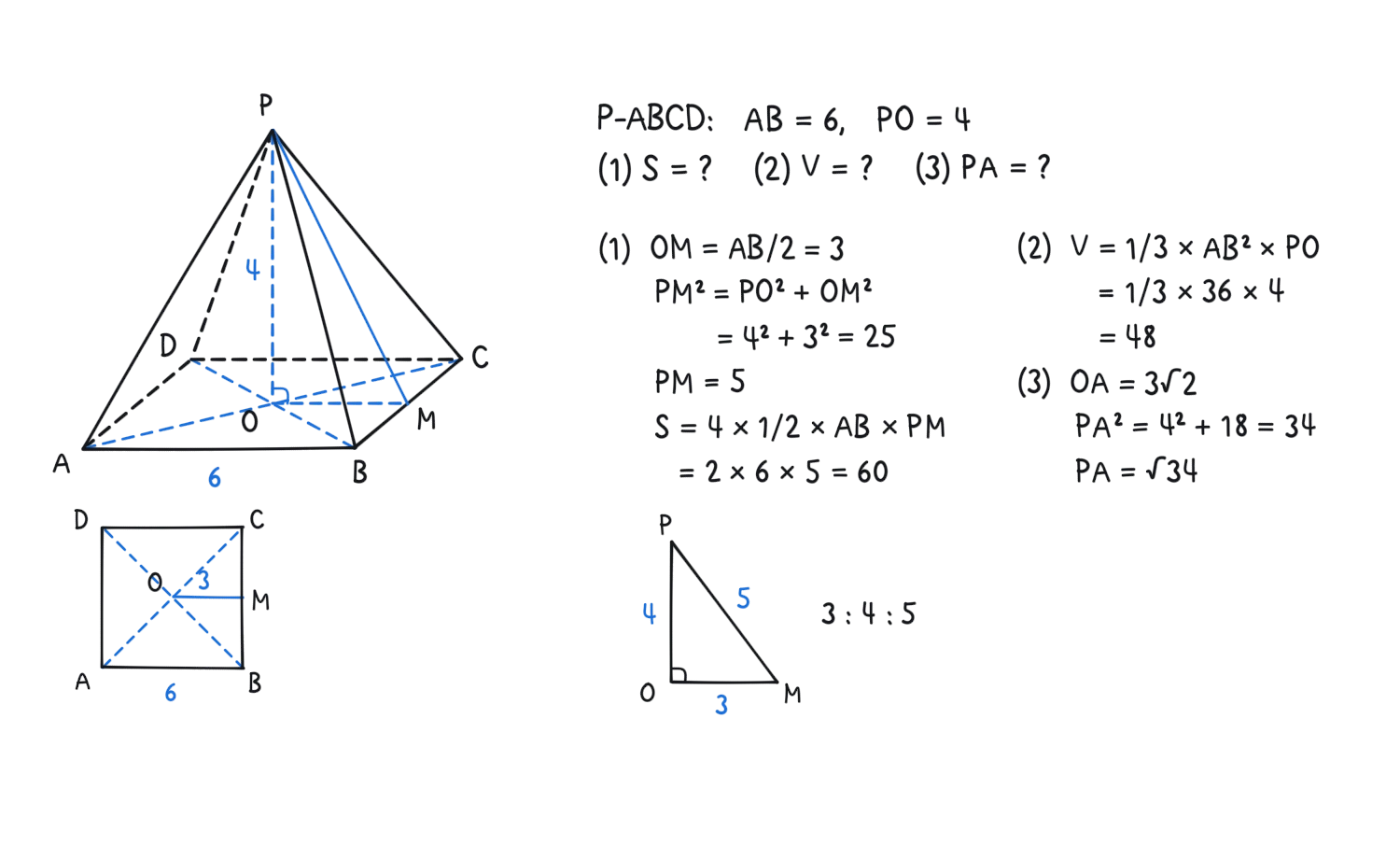
A large bottom bar with text labels makes every action easier. Draw squares, triangles and pyramids with ease, then add guide lines to explain 3D geometry. When two people write together, one can erase with a palm while the other keeps writing. Turn on Safe Teaching mode and the app comes back by itself even if something goes wrong.*

* Automatic note recovery will arrive in a later version.

Ink that keeps up with you

A new drawing engine, powered by C++ and Direct3DSmooth lines for quick sketches, tapered strokes for careful writing

A carefully crafted interface,at home on any device.

The main toolbar is light and lively: it springs back when pressed, and its lighting follows your pointer. Settings are clear and uncluttered, with 20 languages to switch between at any time. Use a mouse, touch, a screen pen or a pen tablet, on anything from a laptop to a classroom display. Inkeys runs smoothly on Windows old and new.

Make your first stroke right on your screen

Free and open source. Download to get started

Download

Requires Windows 7 SP1 or later